Hexo 添加背景音乐
我这个博客添加了援引自网易云音乐的iframe,
并将音乐控件放到了侧边栏, 原始文章: Hexo
部署手册 | Rex Chow's Blog, 因为上一篇文章: Hexo
增加分享和日历功能 | Rex Chow's Blog
在寻找的过程中发现了一些好玩的东西耽误了, 所以这篇文章继续上次的问题,
修补问题.
前情提要
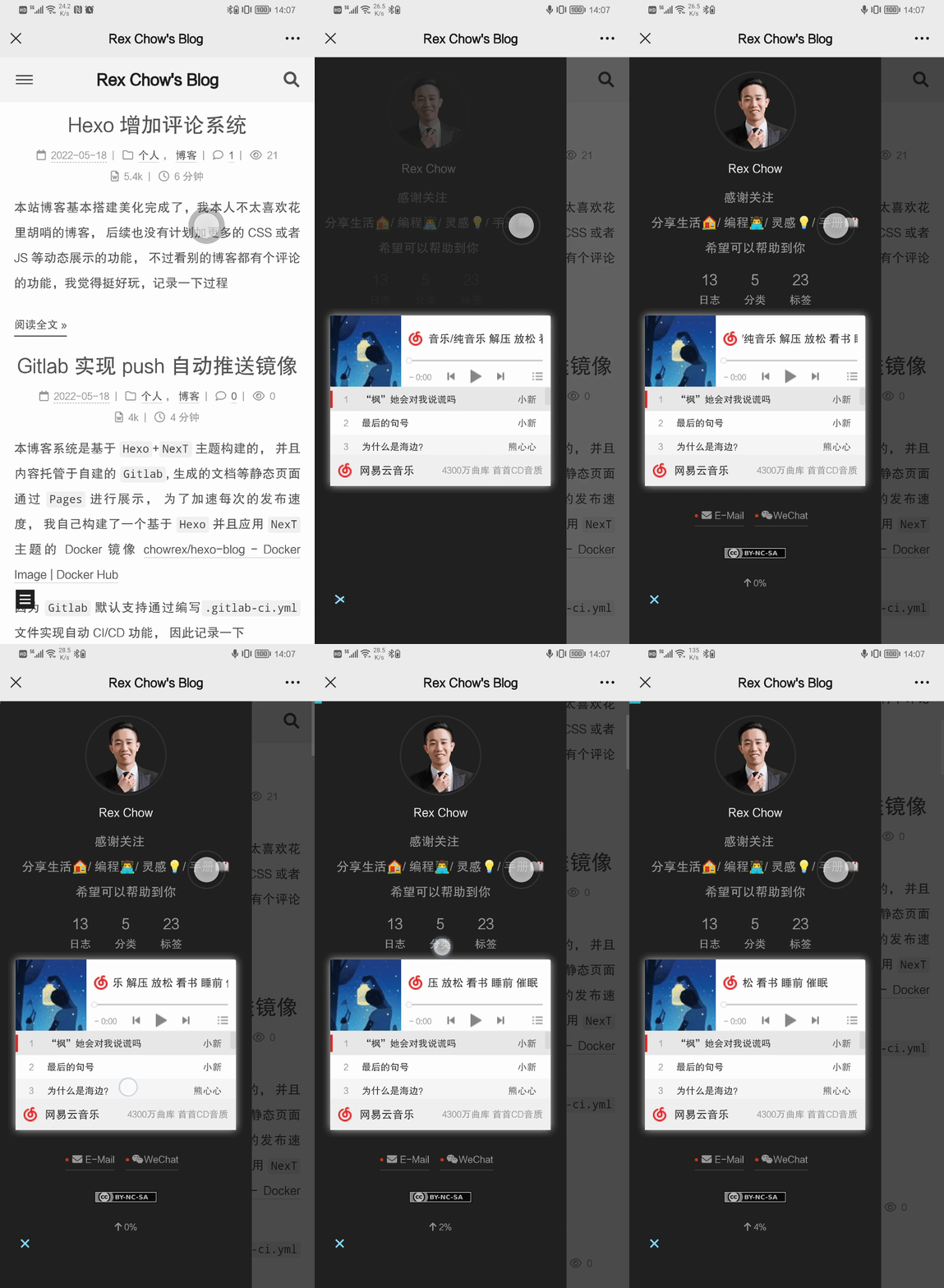
问题概述: 网易云音乐的iframe因为我变更了size, 导致在移动端歌曲列表无法滚动下拉, 影响使用, 因此需要修复

开始处理
修改网易云音乐iframe方式
👆🏻的链接中, 找到了一些帮助,
可以将网易云的iframe的设置集成到配置文件中,
修改blog/node_modules/hexo-theme-next/layout/_partials/sidebar/site-overview.njk文件,
在如下块之间插入代码
1 | {%- if theme.site_state %} |
👆🏻是站点状态等信息
1 | <!-- Add Netease Music --> |
👇🏻是是否启用聊天窗口等信息
1 | {%- if theme.chat.enable and (theme.chatra.enable or theme.tidio.enable or theme.gitter.enable) %} |
针对这个iframe, 我研究了一下相关参数的含义,
表格如下:
| 参数 | 用途 | 备注 |
|---|---|---|
| frameborder | 规定边框展示类型 1: 有边框 | 0: 无边框 | frameborder_百度百科 |
| border | 规定边框的宽度, 以像素计 | HTML <table> 标签的 border 属性 |
| marginwidth | 规定iframe的左边和右边的空白边距, 以像素计 | marginwidth_百度百科 |
| marginheight | 规定iframe内容与框架的上下之间的空白边距, 以像素计 | marginheight_百度百科 |
| width | 规定iframe的宽度, 以像素计 | HTML <img> 标签的 height 和 width 属性 |
| height | 规定iframe的高度, 以像素计 | HTML <img> 标签的 height 和 width 属性 |
因此, 上面插入的html代码的含义为:
主题配置的netease_music.enable ==
True且netease_music.id有值的情况下:
插入一个iframe, 边框为空, 边框宽度为0, 上下左右的空白边距均为0, 宽度 ==
netease_music.width, 高度 ==
netease_music.height, 引用id ==
netease_music.id的歌单, 自动播放 ==
netease_music.auto
需要添加以下内容到_config.next.yml中
1 | # Netease Music |
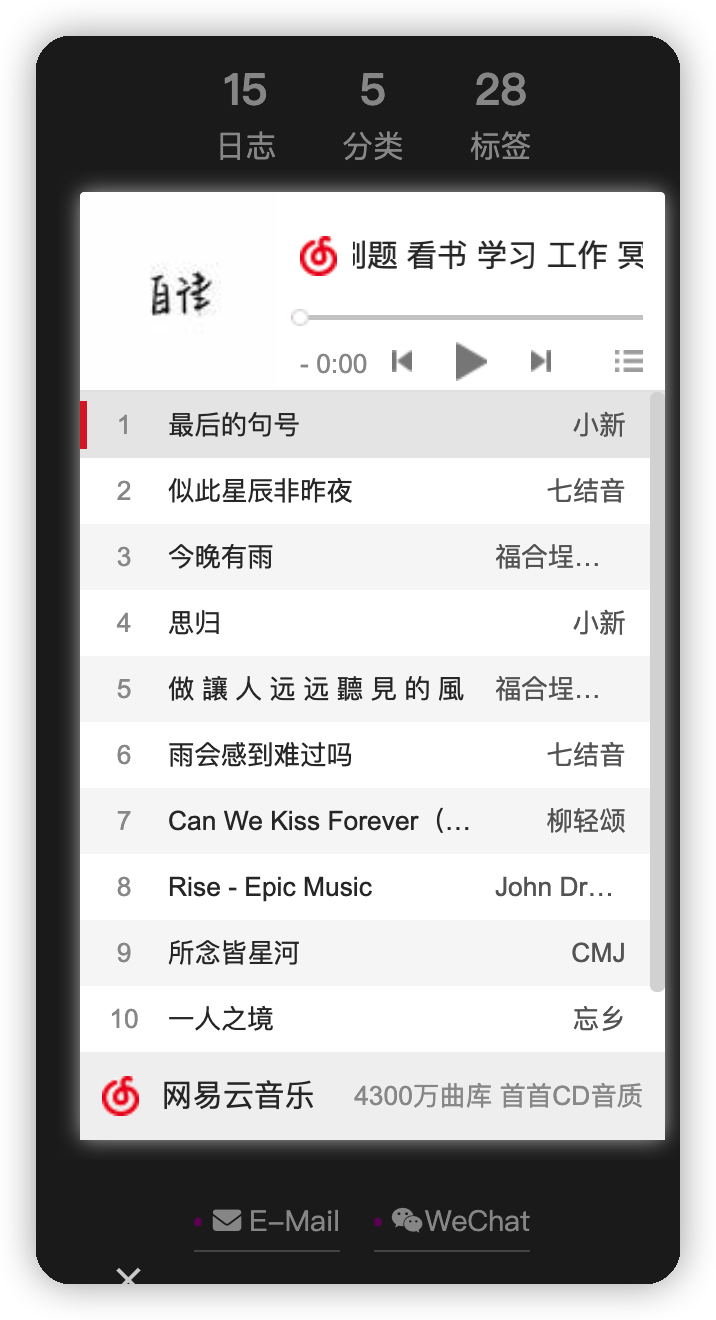
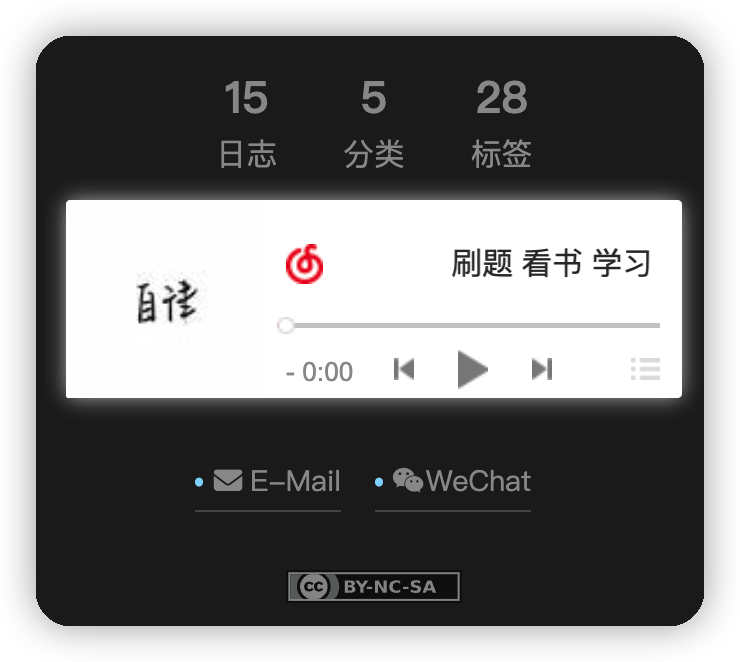
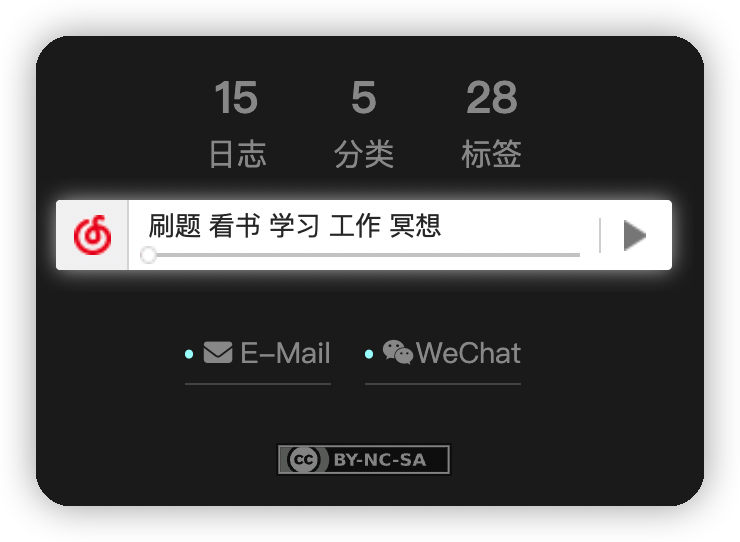
效果展示:
使用Aplayer方式
MoePlayer/hexo-tag-aplayer: Embed aplayer in Hexo posts/pages
metowolf/MetingJS: A powerful plugin connect APlayer and Meting
安装插件
1 | npm install --save hexo-tag-aplayer |
创建听一听页面
1 | hexo new page music |
修改blog/source/music/index.md文件
1 | --- |
官方给出的参数列表
选项 默认值 描述 id 必须值 歌曲 id / 播放列表 id / 相册 id / 搜索关键字 server 必须值 音乐平台: netease,tencent,kugou,xiami,baidutype 必须值 song,playlist,album,search,artistfixed false开启固定模式 mini false开启迷你模式 loop all列表循环模式: all,one,noneorder list列表播放模式: list,randomvolume 0.7 播放器音量 lrctype 0 歌词格式类型 listfolded false指定音乐播放列表是否折叠 storagename metingjsLocalStorage 中存储播放器设定的键名 autoplay true自动播放,移动端浏览器暂时不支持此功能 mutex true该选项开启时,如果同页面有其他 aplayer 播放,该播放器会暂停 listmaxheight 340px播放列表的最大长度 preload auto音乐文件预载入模式,可选项: none,metadata,autotheme #ad7a86播放器风格色彩设置 针对于Meting JS, 官方参数说明: metowolf/MetingJS: A powerful plugin connect APlayer and Meting
Meting官方Github地址: metowolf/Meting: Wow, such a powerful music API framework
注: 通过翻看官方源码 MetingJS/Meting.js
at master · metowolf/MetingJS,
lrctype参数貌似仅支持{0|2|3}这三个值,
并且这个歌词的模式只有单行模式, 无法修改
启用听一听页面,
修改_config.next.yml中添加music对应的目录
1 | menu: |

增加中文翻译,
修改blog/node_modules/hexo-theme-next/languages/zh-CN.yml文件
1 |
|

修改_config.yml, 增加aplayer支持
老规矩, 上面的JS和CSS都放到自己的七牛云做CDN加速
1 | aplayer: |
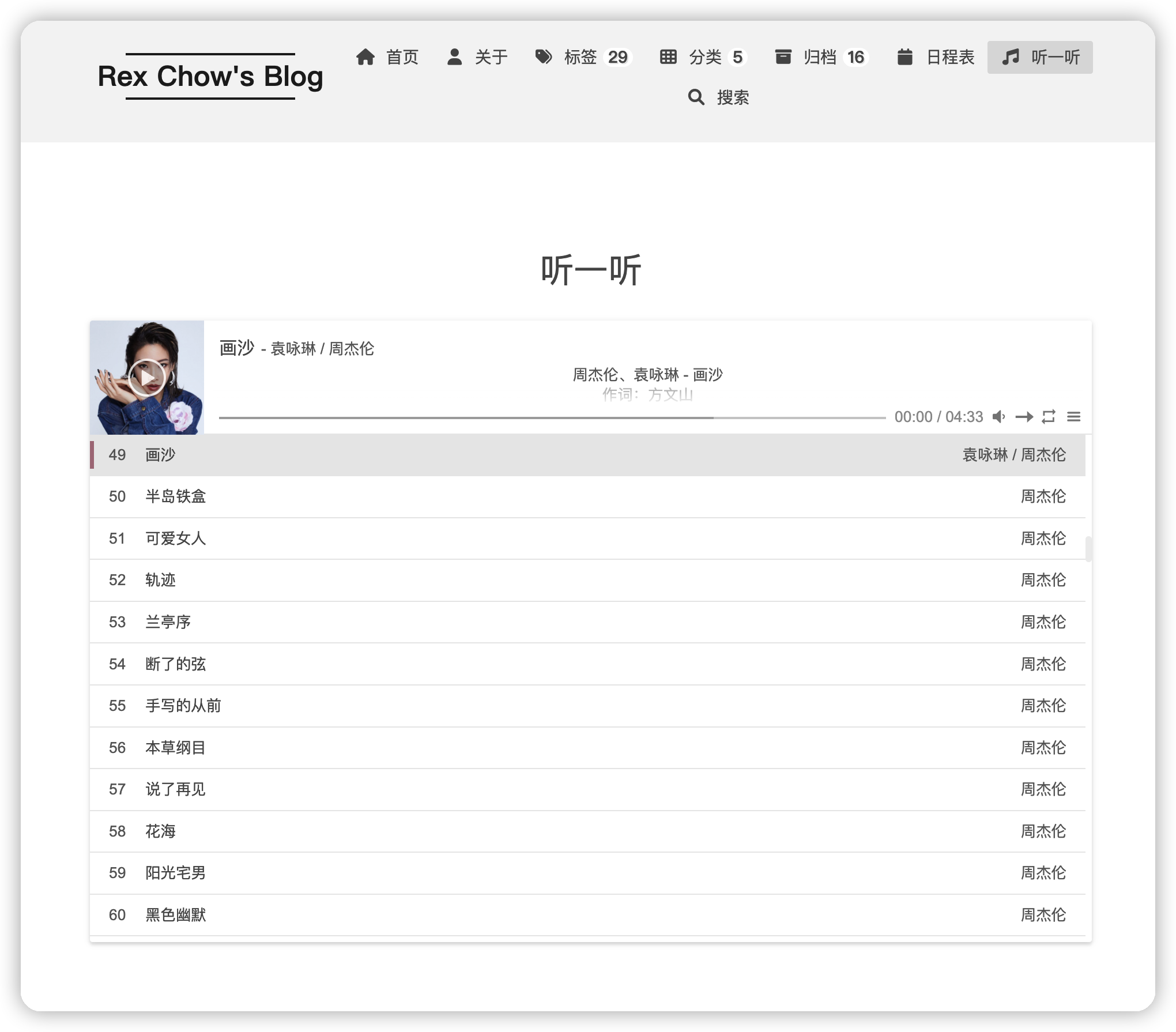
成品展示
问题
目前发现无法播放周杰伦或者其他收费的歌单,
不过aplayer支持自定义URL方式播放, 后续待完善